Save jobs to your dashboard in 1 click.
1-Click Job Saving
Save any job posting straight from LinkedIn, Djinni, or DOU to your Kanban board or table view without switching tabs.

Automatic Details Parsing
Jawbio instantly grabs the job title, company name, salary range, direct link, and source platform—zero manual copy-pasting.

Keyword & Stop-Word Matching
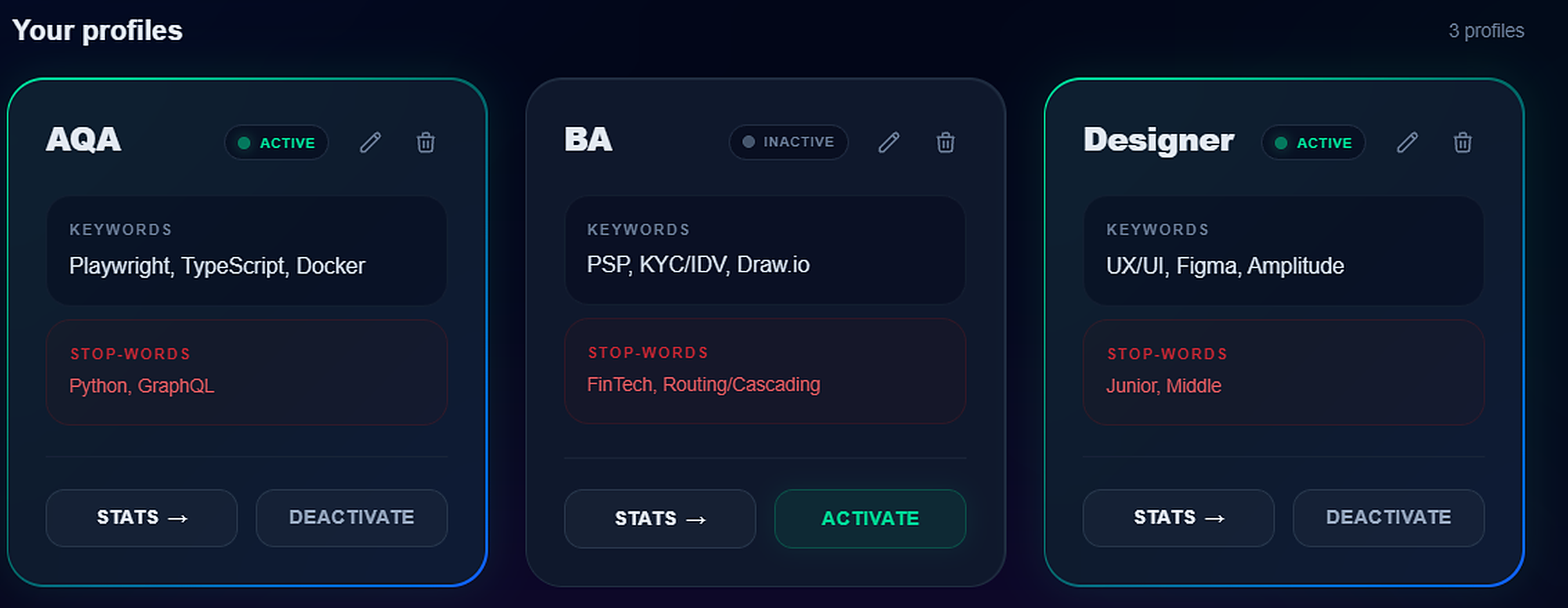
Instantly see if a vacancy matches your stack with target keywords and highlight dealbreakers using custom stop-words.

Analytics & Smart Filtering
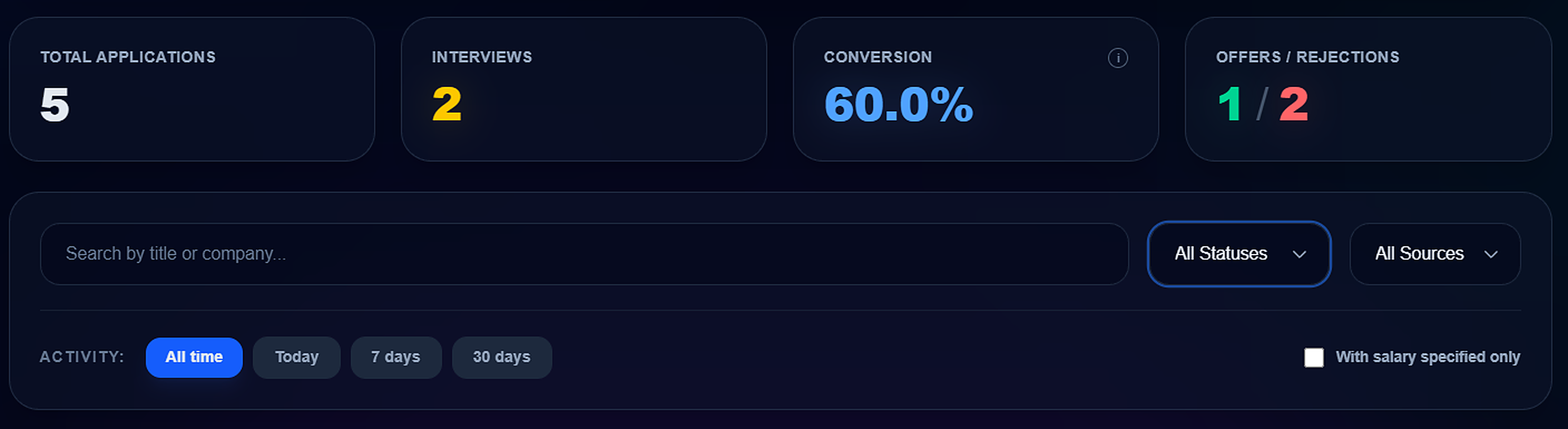
Track your real resume-to-interview conversion rate and filter your board by date, source platform, or salary availability.
Multiple Role Profiles
Applying for two different positions? Keep separate boards, keywords, and conversion stats for each role.
Safari Shortcut Syncs to the Same Dashboard
Found a job on your iPhone, iPad, or Mac in Safari? Share it via the native menu and it lands on the exact same board.

How to install & activate
Takes less than 30 seconds. Pick your platform and follow the steps below.
Add to your browser
Open the Chrome Web Store link above and click Add to Chrome.
Pin to toolbar for 1-click access
Click the puzzle icon 🧩 Extensions in the top-right corner of your browser and click the 📌 Pin icon next to Jawbio.
Capture any vacancy
While viewing a job on LinkedIn, Djinni, or DOU, click the Jawbio icon, choose your target profile, and hit Save Job.
Add to Apple Shortcuts
Tap the iCloud link above and press Add Shortcut to save it to your Apple device.
Open Share Sheet in Safari
When viewing a vacancy in Safari (make sure you are logged into Jawbio), tap the native 📤 Share button at the bottom of your screen.
Tap "Save to Jawbio"
Select the Jawbio shortcut from the list, tap Allow on first run, and the job will fly straight to your board!
Ready to organize your job search?
Join the open beta, install our 1-click capture tool, and take full control of your interview pipeline.